
Top 7 creative versioning tools for consumer brands (2026)
Research
Claron Kinny
|
Growth Marketer
Reviewed By Satej Sirur
Comparing the top 7 creative versioning software for consumer brands
1. Rocketium AI Studio
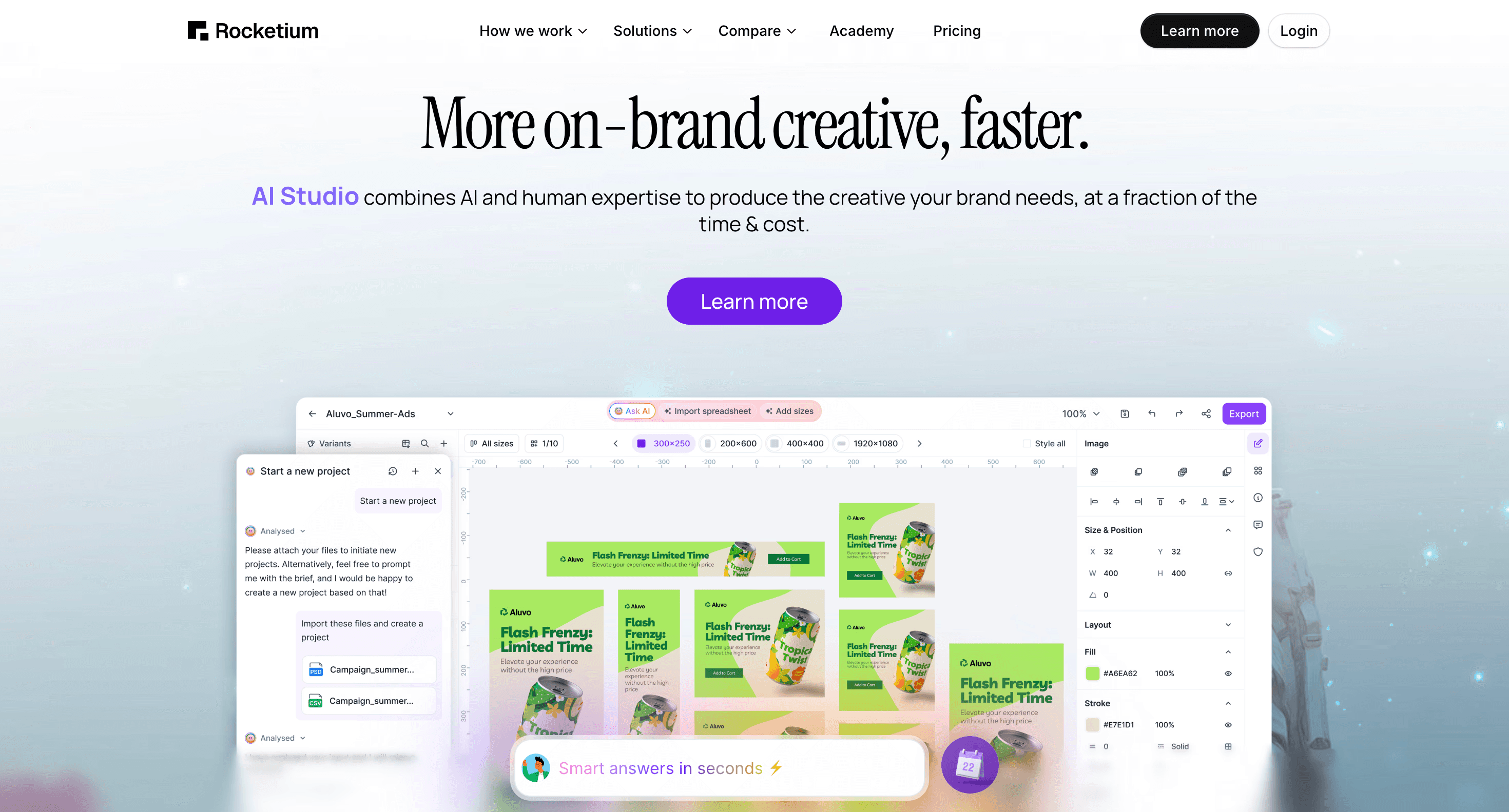
AI Studio is a managed creative production system for consumer brands that combines AI agents, purpose-built software, and a team of human experts. It is not a self-serve tool in the traditional sense. Your team submits a brief, AI agents handle the mechanical work - template setup, bulk resizing, compliance checks, file naming - and human designers do a round of QA before assets come back to you for review. Your team can then make copy swaps, image swaps, and layout edits directly in the platform without needing a designer.
The three capabilities that separate it from every other tool on this list are retailer-native compliance, speed to first asset, and the combination of managed service with self-serve editing. Retailer specs for Amazon, Walmart, Target, and other platforms are built into the system. Assets are automatically checked against each platform's rules before they reach your team. This is not a checklist a designer runs through manually; it runs in the background on every job.
Setup takes about 40 minutes of your team's time. First assets come back in 24-48 hours. Most enterprise self-serve platforms require 4-12 weeks of onboarding before teams reach full production throughput.
Pricing runs on a credit model. One static asset equals one credit, priced at $15-25 per credit at standard rates, lower at volume. A video over 15 seconds costs two credits. The platform starts at $50K/year, which includes a dedicated team (Account Director, designers, AI specialists), unlimited self-serve editing, and brand workspace setup. At 500 adaptations per month, the cost runs roughly $7,500-$12,500/year versus $25,000-$100,000/year with an agency for the same output.
Pros
Only tool with built-in retailer compliance. Human QA on every job. Non-designers can make edits without design skills. Fastest onboarding in the category.
Cons
$50K/year minimum makes it the wrong fit for brands producing fewer than ~100 assets per month. Not a fully self-serve platform - the managed service model requires a brief handoff process.
Pricing
Pricing starts at $50,000/year on a credit model - credits are consumed only on export, at $15-25 per asset depending on type. Customers report 30-50% cost savings vs. agencies and other creative tools.
2. Celtra
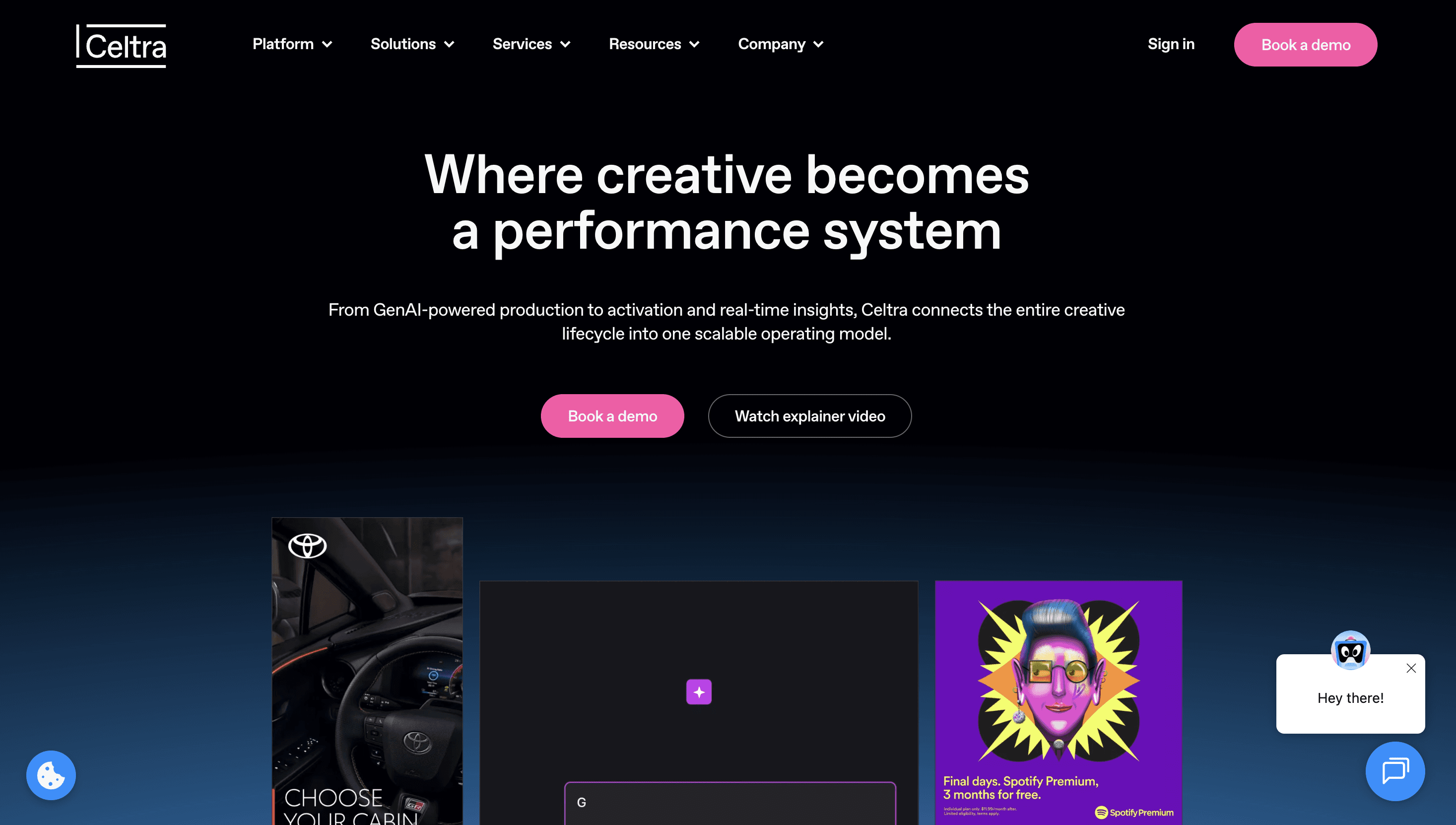
Celtra is an enterprise creative automation platform built for digital advertising: display, rich media, dynamic creative optimization (DCO), and video at scale. It's used primarily by large in-house marketing teams and agencies running programmatic campaigns across publisher networks.
The platform gives creative teams the ability to build templated ad formats that pull from data feeds and update dynamically. A fashion brand running a retargeting campaign can connect Celtra to its product catalog and generate hundreds of SKU-specific banner variations automatically. For teams managing complex, high-volume display campaigns, the production workflow is strong.
Where Celtra falls short for consumer brands is everything outside digital advertising. There is no retailer platform coverage. Amazon PDP specs, Walmart media requirements, Target-specific compliance rules - none of these are built in. A team managing retailer asset production alongside display advertising will need a separate workflow for retailer work. Celtra also won't help with PDP images, A+ content, or the formats that drive conversion on a product listing page.
It's also a fully self-serve platform. Your team builds and manages everything inside it. Onboarding typically runs 4-12 weeks before teams reach full production throughput. For brands that are used to agency support or need a fast start, that ramp time is a real cost.
Pros
Strong for programmatic display and DCO. Highly flexible template system. Deep integration with ad networks and DSPs. Won the Digiday Technology Award for Best Content Creation Platform in 2025.
Cons
No retailer platform coverage. Steep learning curve. Self-serve only - no managed production option. Built for advertising formats, not PDP or retail media assets.
Pricing
Enterprise pricing, available on request.
3. Smartly.io
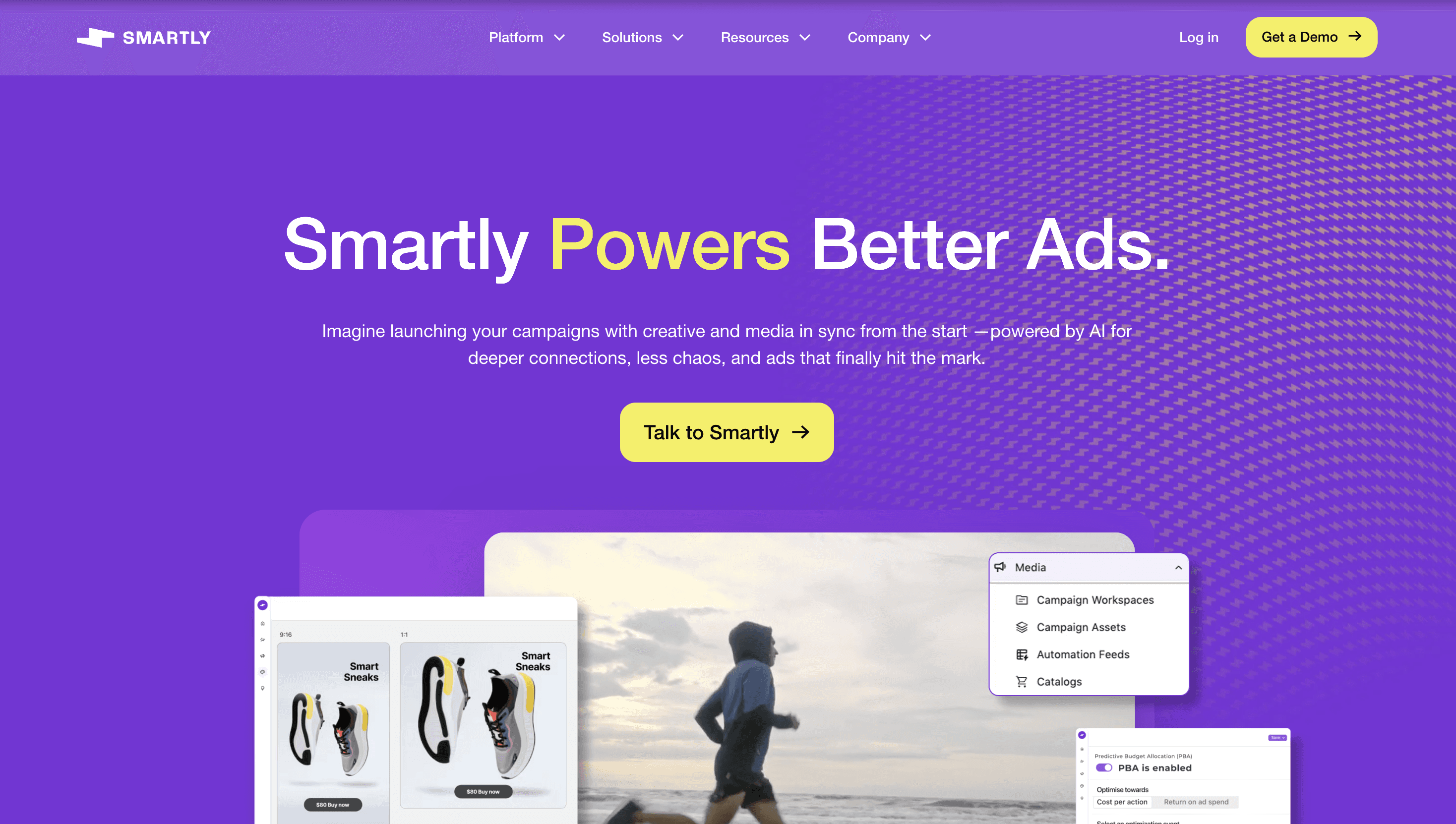
Smartly started as a Meta automation platform and has grown into a cross-channel paid social suite covering Meta, TikTok, Google, Pinterest, Snapchat, and Connected TV via Amazon DSP. For consumer brands running large paid social programs, it is one of the most capable tools in the category.
The core strength is the connection between creative and media buying. Smartly pulls directly from product catalogs and updates ad creative in real time as prices, availability, and promotions change. A brand with 10,000 SKUs can run dynamic catalog ads across Meta and TikTok without manually updating creative every time inventory shifts. Bulk editing, feed-connected templates, and performance data all sit in the same platform.
Where Smartly doesn't fit consumer brand needs is outside of paid social. It was built for media buyers, not for the teams managing retailer PDPs, Amazon listing images, or Walmart compliance. There is no retailer platform coverage. If your primary creative bottleneck is retailer asset production, Smartly does not solve it. The platform is also priced around media spend, which makes it a poor fit for brands that need creative production volume without the corresponding ad budget.
Pros
Best-in-class for feed-connected paid social at scale. Real-time product catalog integration. Strong cross-channel coverage including CTV. Useful for brands spending $50K+ per month across Meta, TikTok, and connected TV.
Cons
Priced for large media budgets. No retailer compliance or PDP asset production capability. Self-serve, with a 4-12 week onboarding curve. Not designed for the consumer brand asset production workflow.
Pricing
Available on request. Pricing is typically tied to media spend volume.
4. Bynder Studio
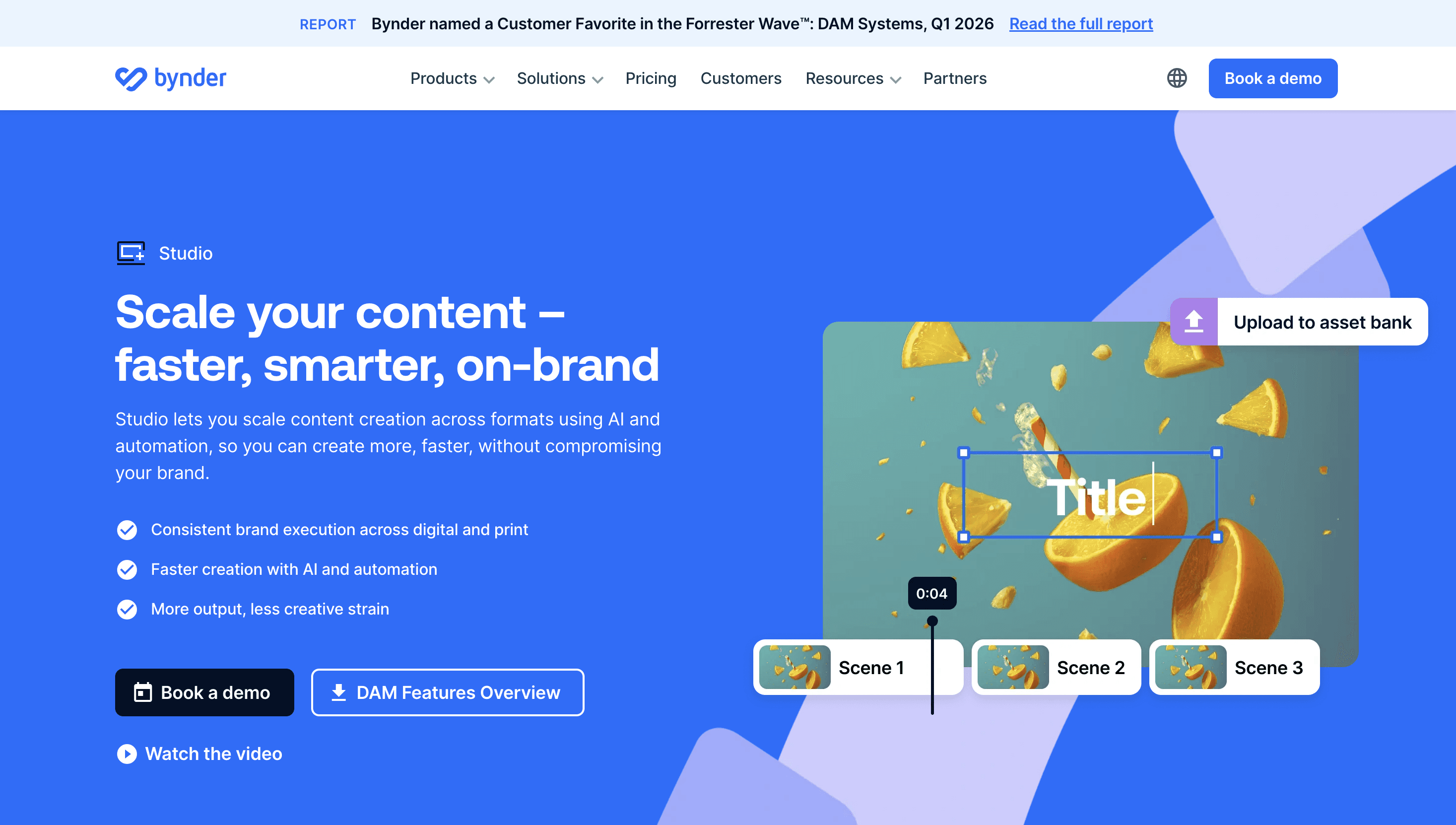
Bynder is primarily a digital asset management (DAM) platform. Bynder Studio is the creative automation layer built on top of it, enabling teams to produce templated assets directly from their asset library without switching tools.
The value proposition is strongest for global teams that are already running Bynder as their DAM. If your brand guidelines, approved imagery, and master assets all live in Bynder, Studio lets marketers in different markets create localized versions of campaigns without involving a central design team for every request. A regional marketing manager can pull an approved template, swap the copy for their market, and export a compliant asset in minutes.
Outside that specific use case, the value proposition weakens. Bynder Studio is an extension of an existing investment. If your team isn't already on Bynder, the cost of the full platform plus Studio is hard to justify purely on creative versioning grounds. There is also no retailer compliance coverage. The platform is strong on brand governance and creative consistency for marketing teams, but it was not designed for the specs-heavy, platform-specific requirements of Amazon or Walmart asset production.
Pros
Natural fit for teams already on Bynder. Strong brand governance and template control. Useful for global localization workflows. Reduces agency dependency for regional teams. Named a Customer Favorite in the Forrester Wave for DAM Systems, Q1 2026.
Cons
Full value requires existing Bynder DAM investment. No retailer platform compliance. Not designed for high-volume SKU-level versioning. Self-serve only.
Pricing
Available on request. Pricing depends on DAM tier and Studio usage.
5. Bannerflow
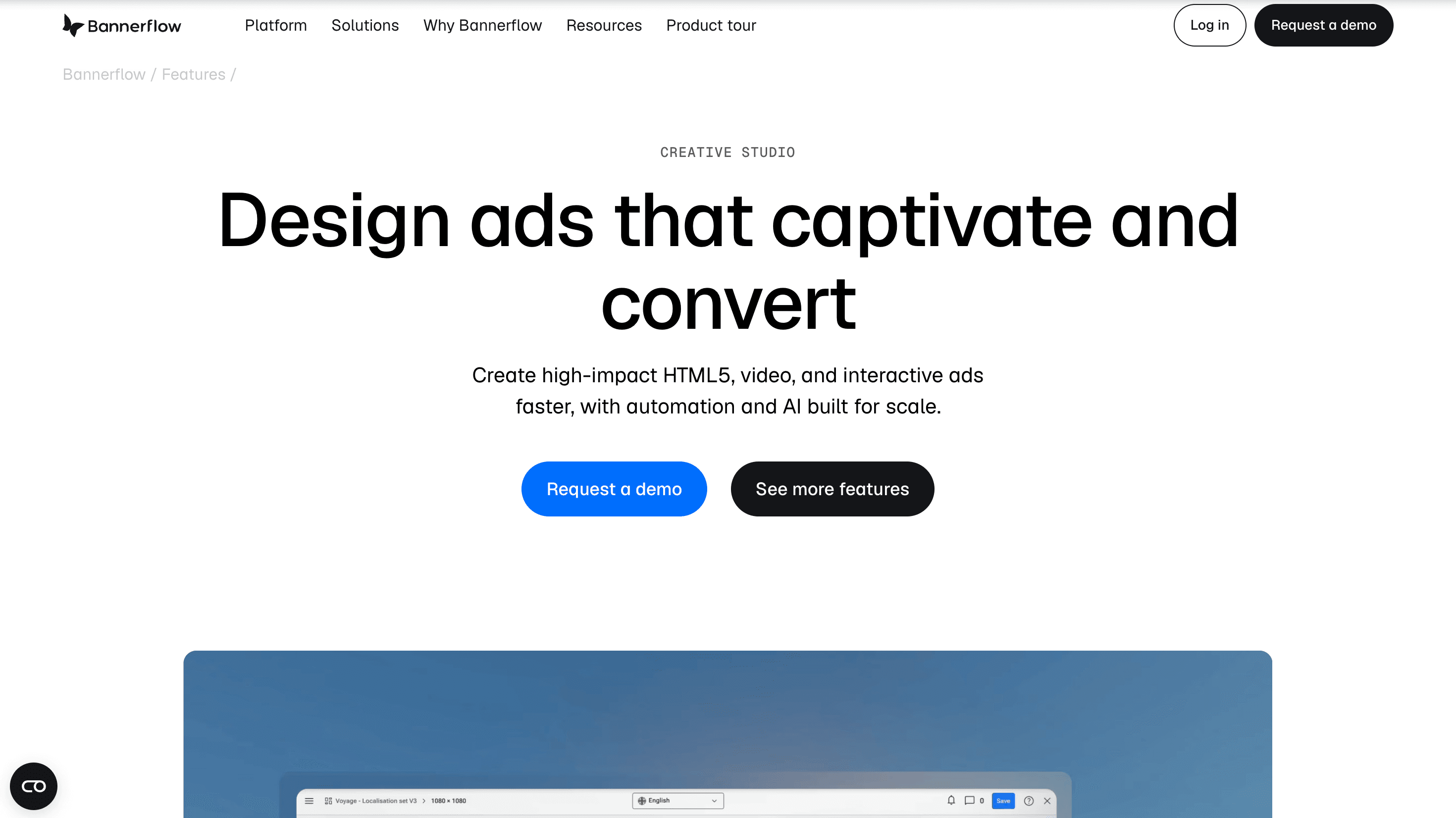
Bannerflow is a digital advertising production platform focused on HTML5 display ads, social ads, and digital out-of-home (DOOH) content. It's popular with in-house marketing teams at mid-to-large consumer brands who want to move display ad production off agencies without sacrificing production speed.
The platform's strengths are its user interface, support quality, and channel reach. Reviewers consistently rate Bannerflow as easier to learn than Celtra, and the support team has a strong reputation for responsiveness. The platform integrates with 100+ ad networks and DSPs. For teams running global display campaigns across multiple markets, that coverage reduces the friction of managing platform-by-platform exports manually.
Bannerflow's limitation is the same as most tools in this category: it was built for digital advertising formats, not for the asset production needs of consumer brands selling through retailers. There is no Amazon, Walmart, or Target coverage. PDP images, A+ content, and retailer-specific ad formats are outside the platform's scope. If a consumer brand's primary bottleneck is display advertising production, Bannerflow is worth a serious look. If the bottleneck sits further up the funnel in retailer asset production, it's the wrong tool.
Pros
Strong UX and support quality. Broad ad network and DSP integrations. Good for global display production across multiple markets. Faster learning curve than Celtra.
Cons
No retailer platform compliance. Limited to digital ad formats. No managed production option. Better support than most competitors but still self-serve.
Pricing
Quote-only, annual subscription.
6. Hunch
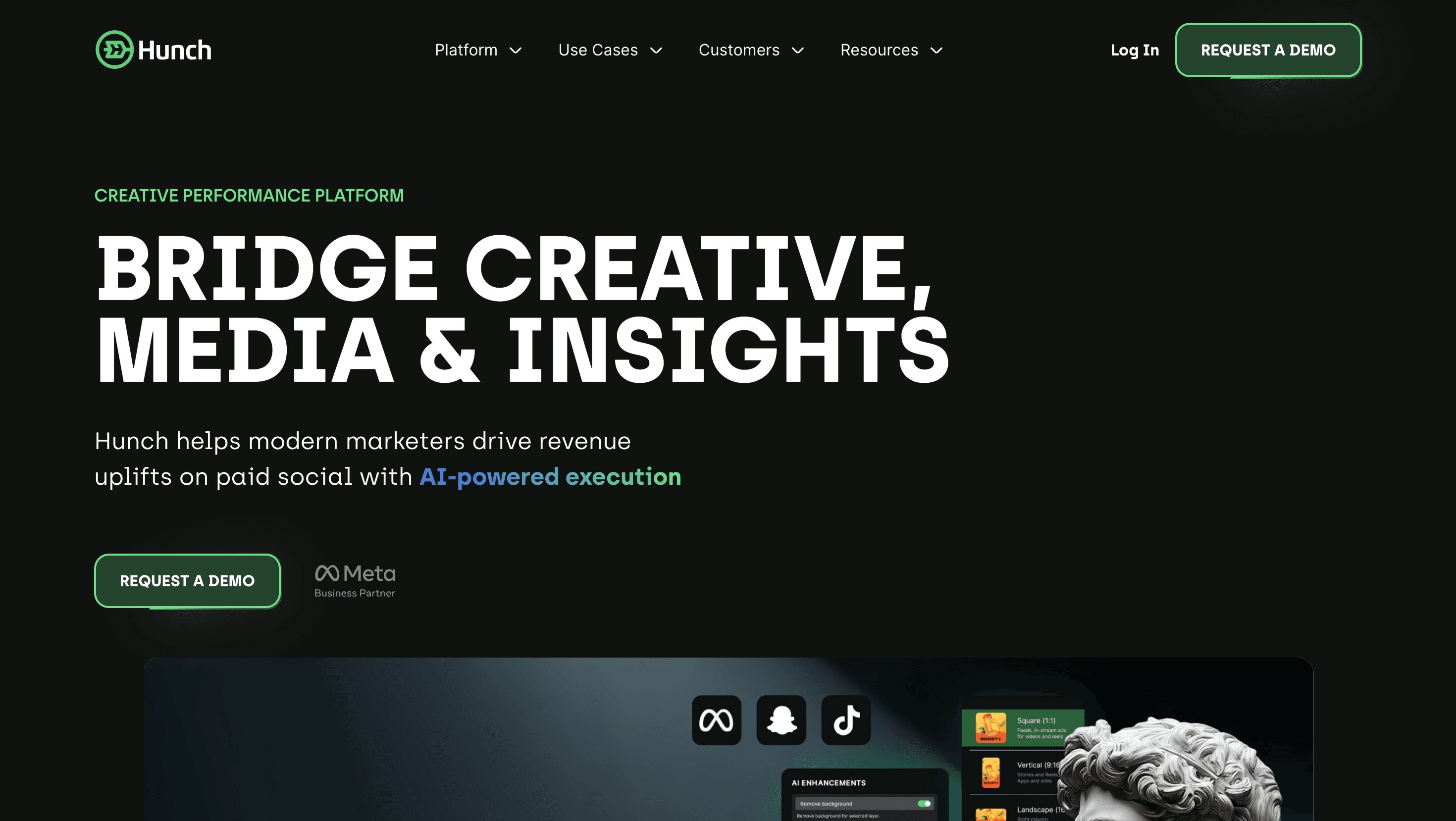
Hunch is a creative automation platform purpose-built for eCommerce brands running catalog-connected dynamic advertising on Meta, Snapchat, and TikTok. Its differentiator is real-time product feed integration: connect your catalog, set up templates, and Hunch generates and publishes ad variations automatically as product data changes.
For consumer brands with large SKU counts and active retargeting programs, this is genuinely useful. A brand running thousands of products across Amazon and its own site can keep retargeting ads current without a designer touching each one. Promotional logic - price drops, limited stock, seasonal offers - can be layered in so the creative updates alongside the offer. Hunch also handles localization and dynamic video, which puts it ahead of most catalog ad tools on format flexibility.
The limitation is scope. Hunch solves one specific problem - catalog-connected dynamic creative for paid social - and does it well. It was not built for retailer asset production. Amazon PDP images, Walmart compliance, A+ content, and the broader range of formats that consumer brands need to manage are outside its remit. For brands that have the catalog ad problem solved and need to extend into retailer production, Hunch and AI Studio can work together. As a standalone solution for consumer brand creative versioning, it covers only part of the job.
Pros
Best-in-class for feed-connected dynamic creative. Real-time product catalog integration. Supports localization and dynamic video. Strong fit for retail, eCommerce, travel, and marketplace verticals.
Cons
Designed for paid social catalog ads, not retailer asset production. No Amazon or Walmart compliance coverage. Self-serve only. Limited beyond the catalog ad use case.
Pricing
Entry point reported at ~€2,500/month. Enterprise pricing varies by volume.
7. AdCreative.ai
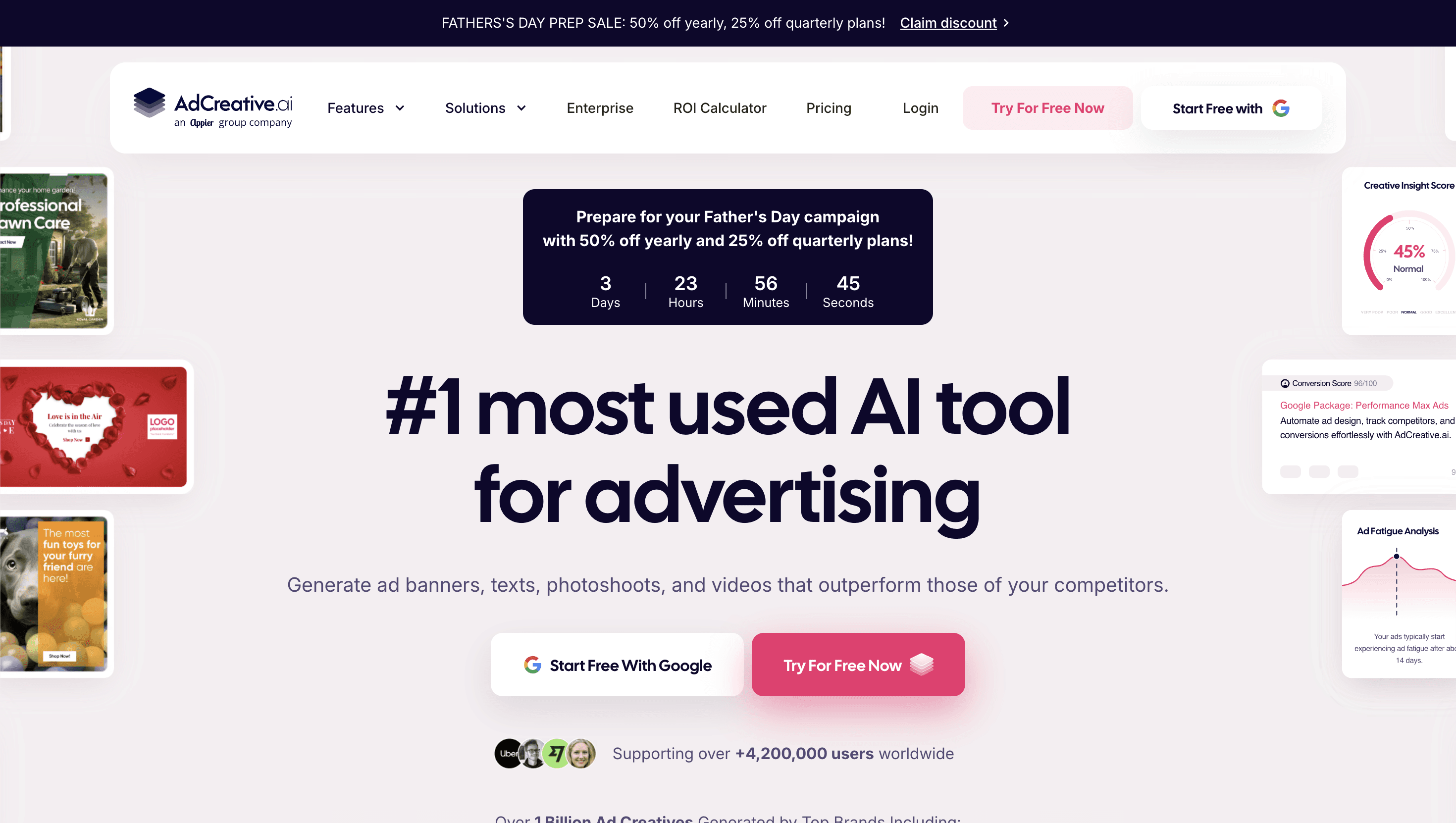
AdCreative.ai is an AI-first, self-serve ad creative generator designed for speed and affordability. It's the entry-level option on this list - the starting price of $39/month puts it in a different category from every other tool here, and that price point reflects both the ceiling and the floor of what it can do. In February 2025, the platform was acquired by Appier Group, a global AI and advertising company. For enterprise buyers evaluating vendor stability, that acquisition is relevant context.
The platform generates ad creative from brand inputs using AI. You upload your logo, brand colors, and product images, and the tool produces display and social ad variations quickly. For small teams, freelancers, or brands that need a starting point for creative testing without design resources, that's a real capability. Several consumer brands use it to generate initial ad variants before investing in production-quality assets.
The limitations become visible at enterprise scale. There is no brand QA process, no retailer compliance, and limited control over creative quality at high volume. The AI generation is useful for generating options but not for producing the specific, compliant, on-brand assets that consumer brands need for Amazon PDPs, Walmart retail media, or multi-market campaigns. It also lacks the managed service component that allows teams to offload production entirely. For brands producing hundreds of assets per month across multiple retailers, AdCreative.ai is a starting point rather than a solution.
Pros
Lowest price point in the category. Fast setup. Useful for small teams or early-stage creative testing. No design skills required.
Cons
No retailer compliance or platform-specific formatting. No human QA. Limited brand control at scale. Not designed for enterprise production volume or multi-retailer requirements.
Pricing
From $39/month.
How to choose the right creative versioning tool
The decision comes down to where your production bottleneck actually sits.
If you're a consumer brand managing assets across Amazon, Walmart, Target, and retail media platforms simultaneously, retailer compliance becomes the deciding factor. Only AI Studio covers this natively. Every other tool on this list requires a separate compliance workflow, which means more manual work, more rejected assets, and slower time to launch.
If your primary bottleneck is paid social at high media spend - specifically Meta, TikTok, and Google - Smartly is the stronger fit. It was built for that workflow. Hunch is the right call if the specific problem is catalog-connected dynamic creative for retargeting.
If your team runs global display advertising campaigns and is looking for a way to move that work off an agency, Celtra or Bannerflow are both worth evaluating. Bannerflow is easier to learn and has better support; Celtra has more power for complex programmatic and DCO work.
If you're already running Bynder as your DAM and want to give regional teams self-serve templating capability, Bynder Studio is the logical extension. If you need to build that workflow from scratch, the cost justification is harder to make.
One benchmark worth having before any evaluation: cost per approved asset at your required volume, not platform fee. A $50K/year managed service that delivers 500 compliant assets per month works out to $8.33 per asset. A $15K/year self-serve platform that requires 30 minutes of design time per asset at $75/hour works out to $37.50 per asset. The headline number is rarely the real number.
Closing thoughts
Most consumer brands evaluating creative versioning tools end up buying a paid social tool. The two categories are not interchangeable. Paid social tools - Smartly, Hunch, even Celtra - were built for ad formats, not for the asset production requirements of brands selling through retailers. If your team is managing Amazon PDPs, Walmart retail media, and multi-format campaign assets at the same time, the shortlist is shorter than this post suggests.
MegaFood approved 1,100 retailer-ready assets in under 4 weeks, saving 40% compared to freelancers. That is the result of a tool built specifically for the problem consumer brands actually have.