Top 7 creative automation tools for consumer brands in 2026
Research
• Sr. Marketing Manager
Reviewed By Satej Sirur
Creative demand has outgrown what most in-house teams can produce by hand.
Every retailer, every platform, every test variant needs its own asset, and the tools built to close that gap split into two genuinely different models, not just different feature sets.
One puts your team in the driver's seat with software. The other has you submit a brief and receive finished assets. This post breaks down both, plus which fits your team.
Key takeaways
|
|---|
Creative automation platforms split across two models
Most comparisons of creative automation tools list features side by side and let you sort by checkbox. That's the wrong first question. The real split in this category is who does the work once you sign a contract.
Self-serve platforms give your team software
Templates, rules for what can and can't change, and a workflow for producing sizes and versions at scale. Celtra, Storyteq, Bannerflow, Bynder Studio, and AdCreative.ai all fall here. You get full control over every pixel, but your team runs the tool, which means ramp time, a designer or two dedicated to production, and ongoing management of templates as brand guidelines shift.
Managed production flips the model
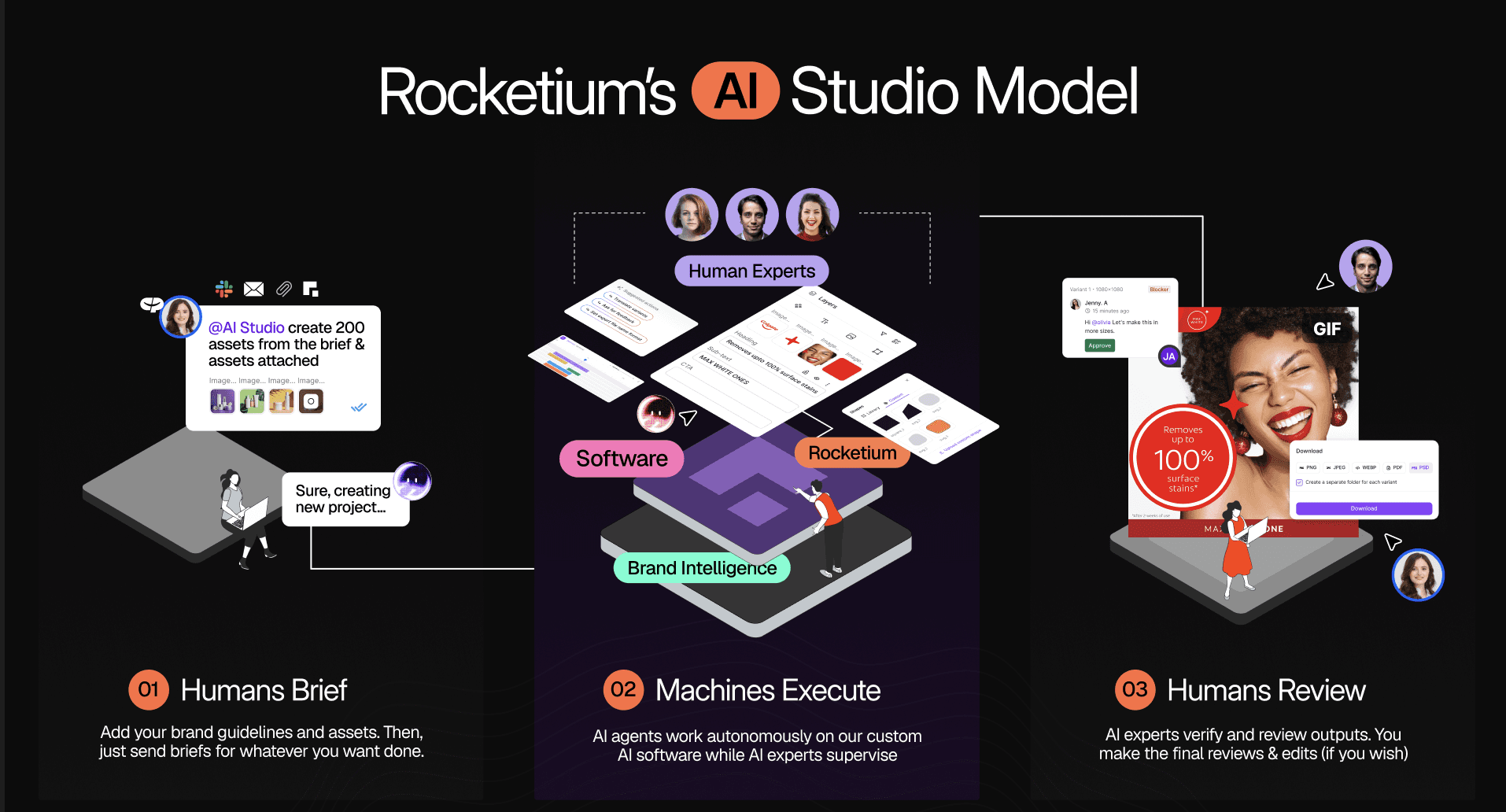
You submit a brief with your assets and requirements. A combination of AI agents and human reviewers produces the finished assets, which your team reviews and approves before export. Rocketium AI Studio and, for paid social specifically, Smartly's managed tier both work this way.
Neither model is better in the abstract. A team with strong in-house design capacity and a preference for hands-on control will get more out of a self-serve platform. A team that's outgrown its production capacity, or that's spending heavily on agencies and freelancers just to keep up with retailer deadlines, usually gets more out of managed production. The honest trade-off: managed production means your team stops operating the design tool directly. For some creative leads, that's a bigger adjustment than the speed gain justifies. For others, it's the whole point. |
What to look for, regardless of model
Four things matter more than the rest of the feature list.
Brand compliance
Does the tool enforce your logo placement, color palette, typography, and required disclaimers automatically, or does someone have to check manually before every asset ships?
Channel compliance
Brand compliance and channel compliance are not the same thing. A logo can be placed correctly and the asset can still get rejected by Amazon for the wrong image dimensions or a missing safe zone. Few tools in this category handle both in one workflow.
Setup time
This is where most teams underestimate the real cost of a self-serve platform. The tool itself might be fast once it's running. Getting there often isn't.
Production volume without adding headcount
If the tool still requires a designer to touch every asset, it's speeding up a manual process rather than replacing the bottleneck.
Creative automation tools: a quick glance
Tool | Model | Best for | Brand compliance | Channel compliance |
|---|---|---|---|---|
Rocketium AI Studio | Managed | Consumer brands producing at retail scale | Strong | Strong (100+ platforms) |
Celtra | Self-serve | Enterprise brand governance | Strong | None |
Smartly | Self-serve + managed | High-spend paid social | Partial | None |
Storyteq | Self-serve | Multi-market campaign localization | Strong | None |
Bannerflow | Self-serve | Omnichannel display advertising | Partial | None |
Bynder Studio | Self-serve | Existing Bynder DAM customers | Strong | Partial |
AdCreative.ai | Self-serve | SMB rapid ad testing | Partial | None |
Comparing the best creative automation solutions
1. Rocketium AI Studio
Best for: Consumer brands producing across PDP images, retail media, paid social, display, and video who need production capacity, not another tool to operate.

AI Studio's advantage is the managed model itself: you submit a brief, and a combination of AI agents and human reviewers, engineers, creative strategists, designers, and QA managers, deliver finished assets scored against your brand guidelines and platform specs during production.
NIVEA launches campaigns across 2x faster with 98% fewer rejections using Rocketium AI Studio. Read the case study here. |
|---|
Teams that want to operate design software directly, rather than submit a brief and review finished output, will find this a different way of working, though your team still approves every asset before export.
If you want to see what that looks like for your own catalog, book a 30-minute demo. Bring a brief you've already executed. We'll show you the output side by side with what your current process produces. No slides. No pitch deck. |
|---|
Pricing
Credits-based. $9 per credit. 1 static costs 1 credit. 100 free credits to create upto 100 statics, or 50 videos, or a mix of both
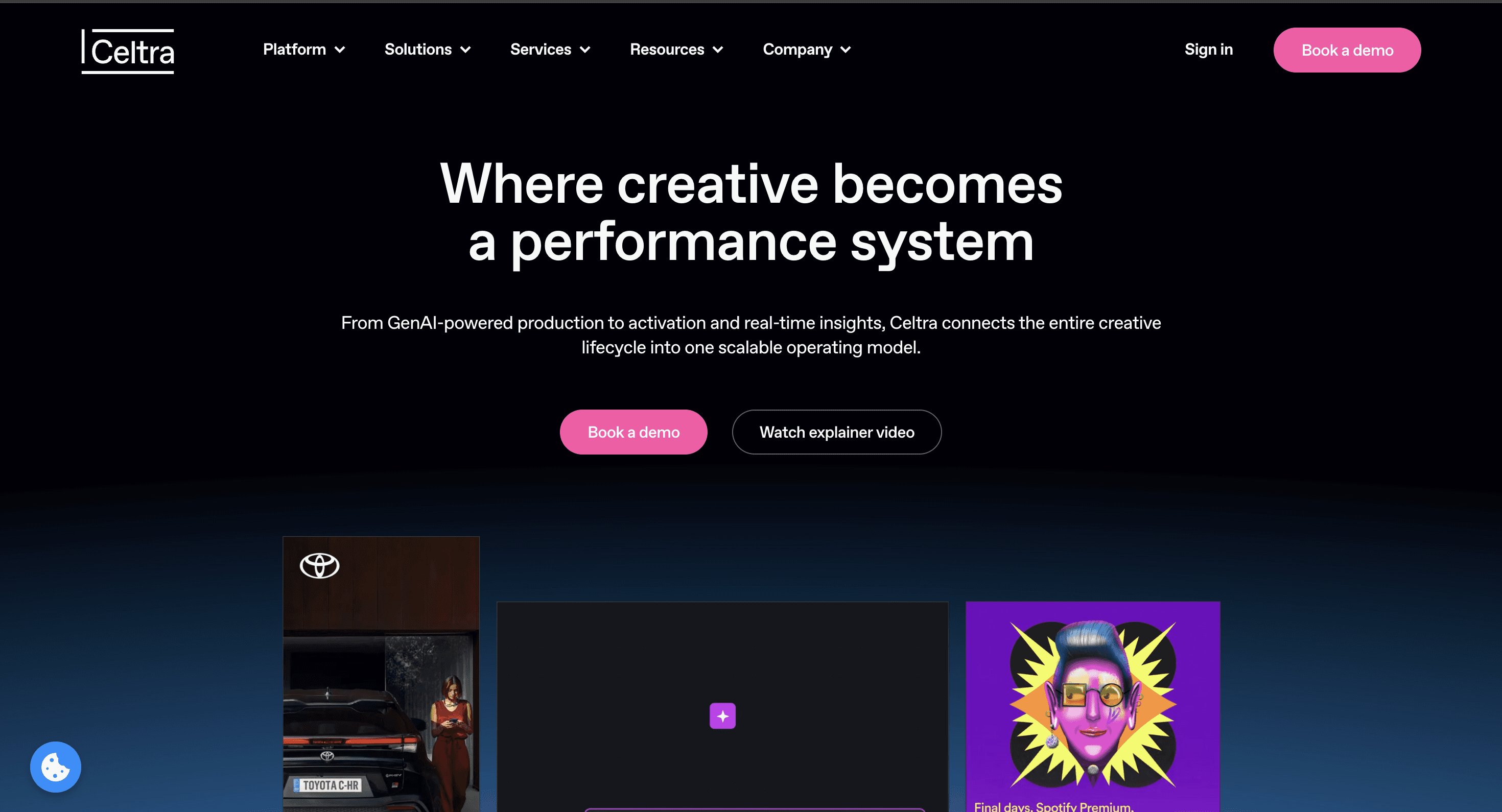
2. Celtra
Best for: Enterprise teams running high-volume digital ad campaigns who need strong brand governance and want to operate the platform directly.

Best for: Enterprise teams running high-volume digital ad campaigns who need strong brand governance and want to operate the platform directly.
Celtra's core strength is locked-template governance: market teams can localize creative within brand guardrails without going off-brand. It's self-serve only, with no managed production layer and no built-in human QA before assets ship. Onboarding is commonly flagged as time-consuming for teams without existing creative operations infrastructure already in place, and retailer-specific compliance for Amazon or Walmart isn't part of its design brief.
Pricing: Custom enterprise, on request. No published rate card.
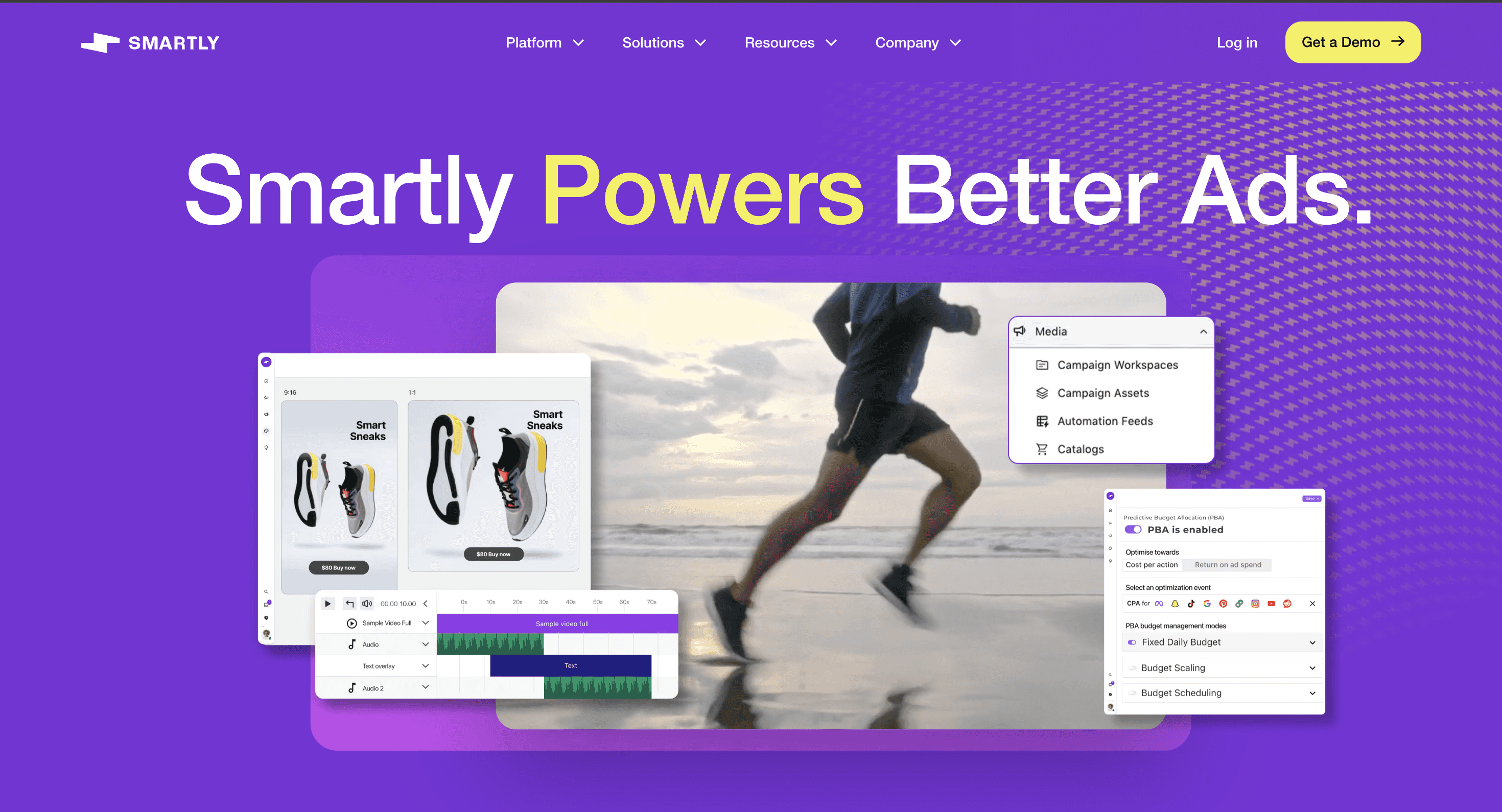
3. Smartly
Best for: Brands spending $50,000 or more per month on paid social who want creative, media buying, and performance measurement inside one platform.

Smartly's clearest advantage is that creative performance data flows directly into media decisions without manual transfer between systems. Its scope stops at paid social and programmatic. PDP images, A+ content, and retailer-specific production for Amazon or Walmart sit outside what it's built for, and template-based creative limits element-level performance intelligence.
Pricing: Percentage of managed ad spend. Enterprise-only, no published rate card.
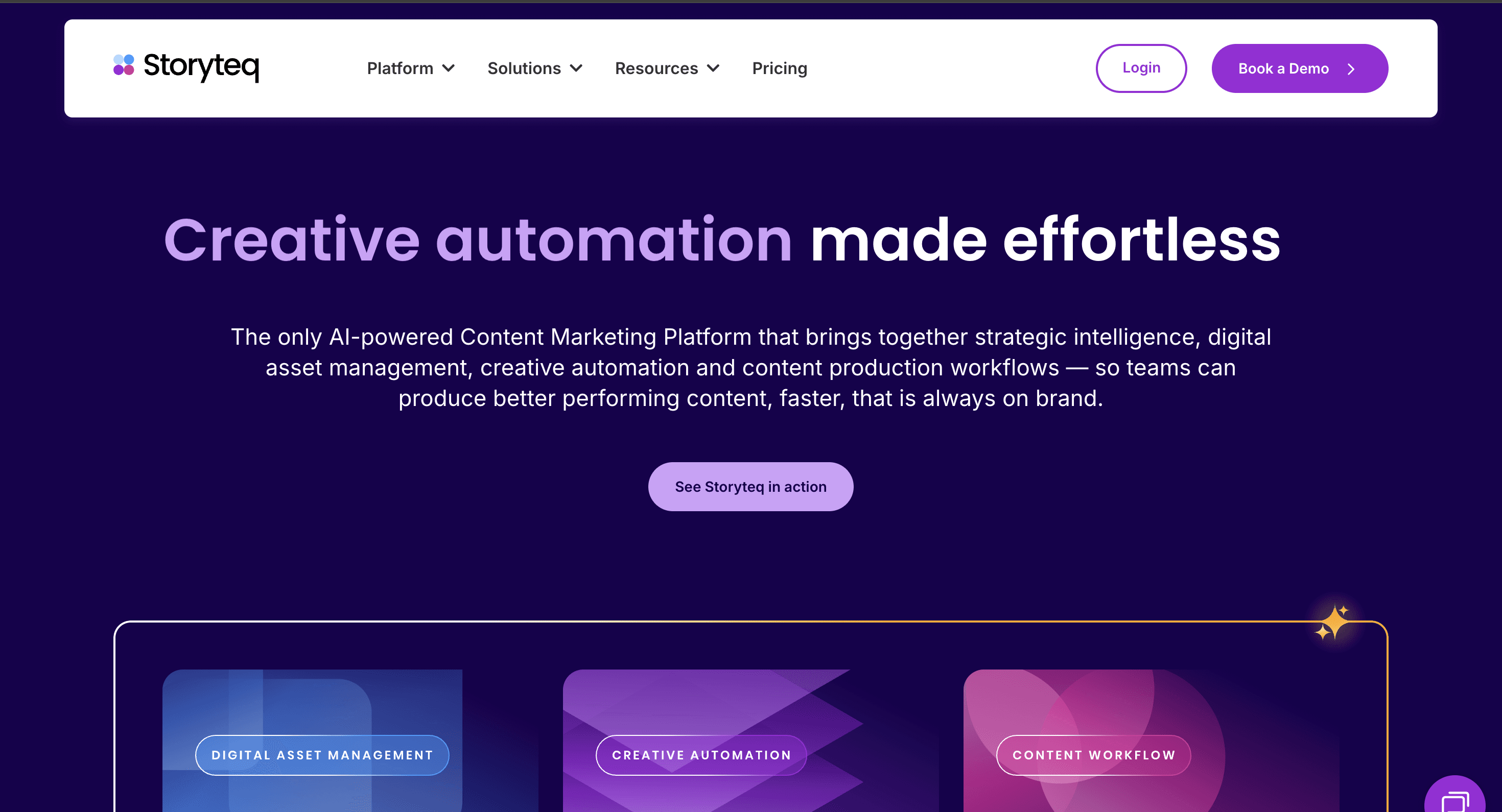
4. Storyteq
Best for: Mid-to-large brands managing campaign versioning and localization across multiple markets, with strong video template capabilities.

Storyteq's Adaptation Studio versions content across channels and formats while locked template elements keep output on brand. Initial template setup requires real effort and close collaboration with Storyteq's onboarding team before production throughput picks up, and retailer compliance for Amazon or Walmart isn't a built-in capability.
Pricing: Custom enterprise. Starting around €30,000 a year, scaling with usage.
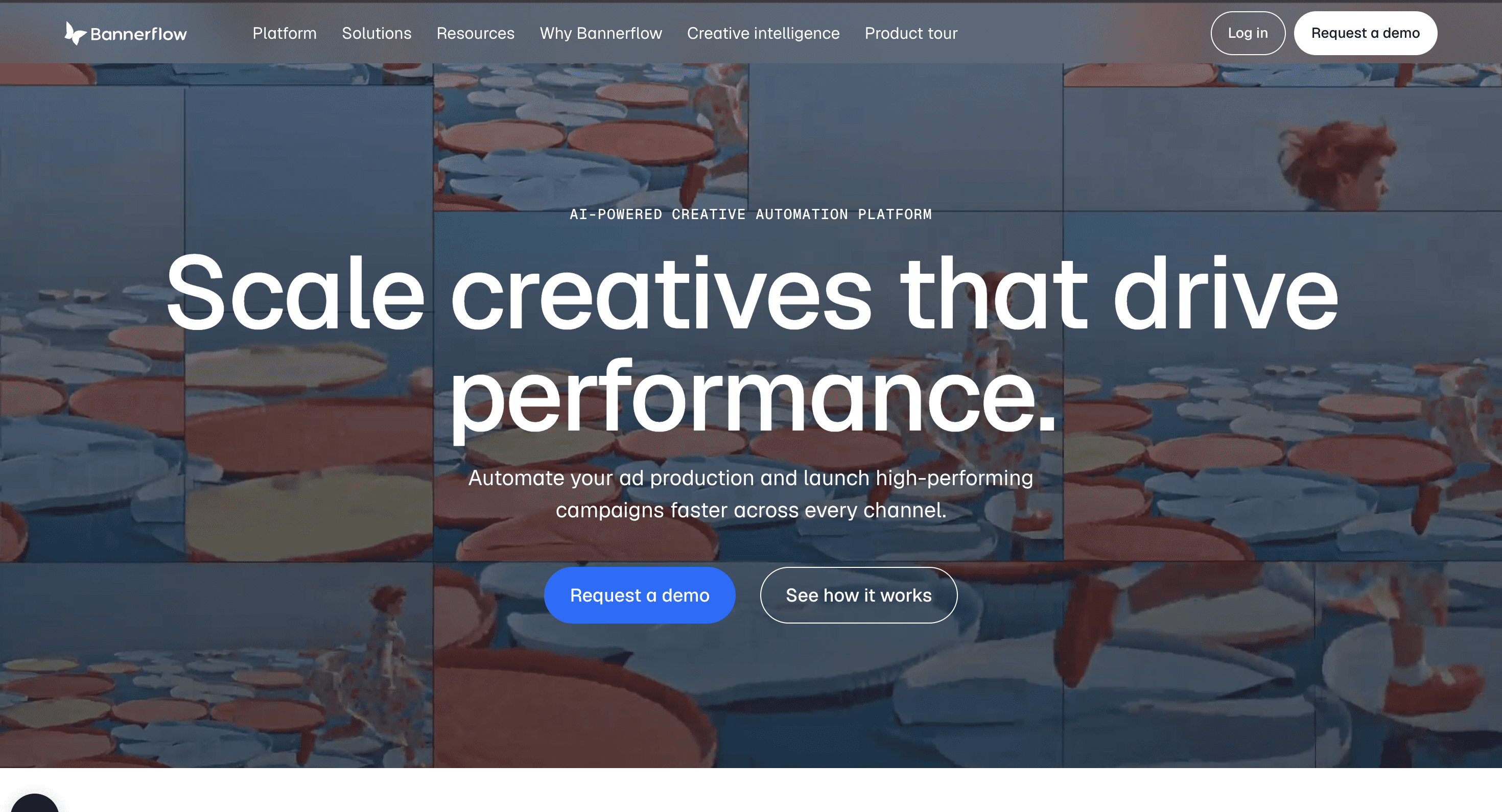
5. Bannerflow (self-serve)
Best for: In-house teams running omnichannel campaigns across display, social, video, and DOOH from a single platform.

Bannerflow covers the full campaign lifecycle from production through publishing, with dynamic creative optimization connecting live product data to ad variants automatically. No API is available, which several reviewers flag as a barrier for automation-first operations, and retailer-specific PDP compliance for Amazon or Walmart isn't a design goal for the platform.
Pricing: Custom enterprise, on request. Estimated from $500 a month for smaller teams.
6. Bynder Studio
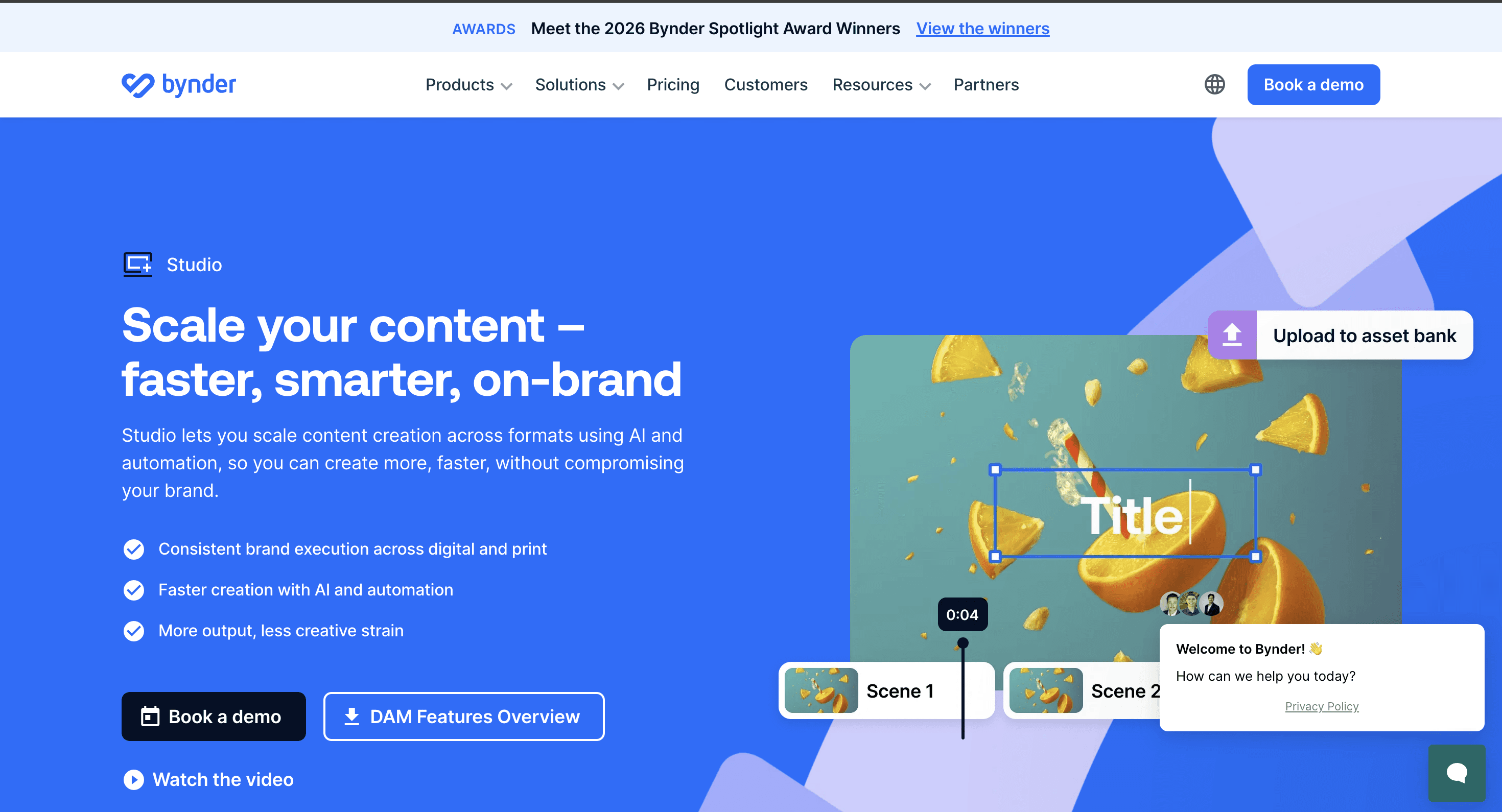
Best for: Teams already running Bynder as their digital asset management system who want production added without switching platforms.

Studio extends Bynder's DAM into a production environment, with brand guidelines, approved assets, and templates all living in the system teams already use for storage. For teams not already on Bynder, adopting it for creative automation alone means a meaningful first-year investment that needs weighing against purpose-built production tools, and retailer compliance for Amazon or Walmart isn't in scope.
Pricing: Custom enterprise, on request. Implementation costs add to year-one spend.
7. AdCreative.ai
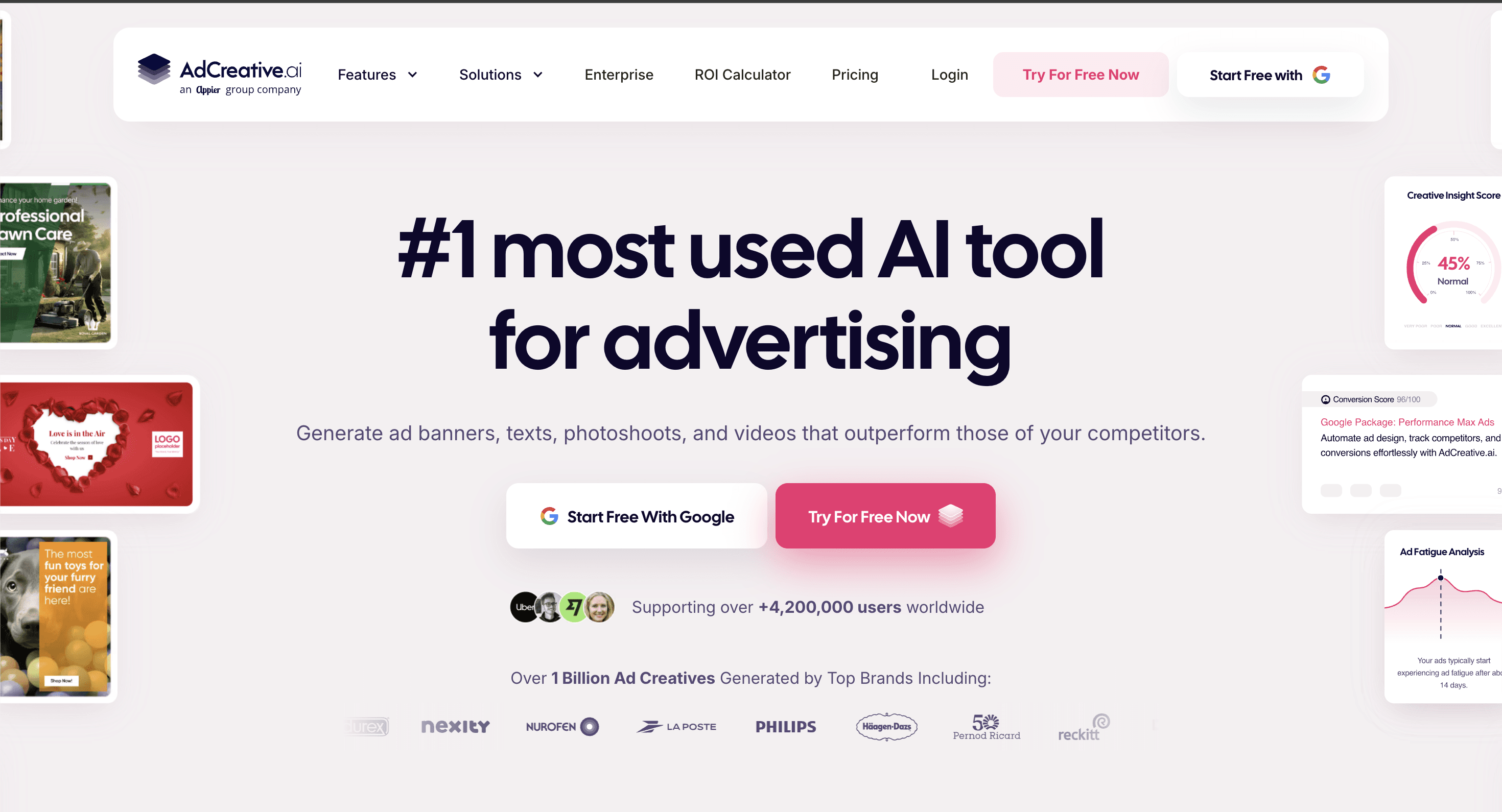
Best for: Small teams and agencies that need high volumes of static ad variants quickly for conversion testing on Meta and Google.

AdCreative.ai's advantage is speed: it generates ad variants fast and connects directly to ad platforms for one-click deployment. Output quality is inconsistent enough that a meaningful share of generated ads need further editing before use, and it isn't built for enterprise brand governance or retailer-specific compliance.
Pricing: From $39 a month. Credits don't roll over month to month.
Which creative automation model fits your team
If your bottleneck is production capacity, not software access, managed production is the faster path. Rocketium AI Studio fits your use case here.
If your bottleneck is genuinely about control, and you have the in-house design capacity to operate a platform, self-serve makes sense. Celtra and Storyteq are the strongest options here for brand governance at scale. Neither solves retailer compliance, so if Amazon and Walmart rejections are part of your problem, factor that in before committing.
If paid social is your primary spend and the amount justifies a percentage-of-spend model, Smartly's integration between creative and media is a real advantage. It won't help with PDP content or retail media.
The bottom line
Most tools in this category solve a real problem. The question is whether it's yours. Paid social automation, display production, and DAM-integrated workflows all have a place. None of them are the same as retailer-compliant, brand-governed production at the volume consumer brands need across Amazon, Walmart, and retail media.
Frequently asked questions
What is creative automation?
Creative automation uses templates, AI, and workflow tools to produce multiple asset variants from a master design or brief without manually producing each individual asset. For consumer brands, this means one brief producing hundreds of SKU-specific assets across multiple platforms and formats. The category includes self-serve platforms your team operates and managed services that handle production for you, with the key difference being whether your team runs the tool or receives finished assets.
What is the difference between brand compliance and channel compliance in creative automation?
Brand compliance means assets meet your internal standards: correct logo placement, colors, typography, and required disclaimers. Channel compliance means assets meet the external technical specifications of the platform they are destined for, covering dimensions, file sizes, safe zones, and content policies for Amazon, Walmart, Meta, or any other platform. Most tools handle one well. AI Studio handles both in the same production workflow, which is why NIVEA's platform rejection rate dropped by 98%.
How much do creative automation tools cost?
Costs vary significantly across the category. AI Studio starts at $9 each credit, delivering 30-70% savings over agency rates. Storyteq starts around €30,000 per year. Celtra and Smartly are enterprise-only with pricing on request. Bannerflow and Bynder Studio are also on request. AdCreative.ai starts at $39/month. The right comparison is not platform fee in isolation. It is cost per approved asset at your required volume and compliance standard.
How long does it take to get started?
AI Studio's pilot takes roughly 40 minutes of customer time and returns first results within 24-48 hours. Enterprise self-serve platforms including Celtra, Smartly, and Storyteq typically require weeks to months of onboarding before teams reach full production throughput. That gap matters when you're working against an active retailer deadline or a campaign launch window that won't move.
Which creative automation tools work for Amazon PDP content?
AI Studio is the only platform in this list purpose-built for this use case. MegaFood produced and approved 1,100 Amazon PDP assets in under four weeks at 40% lower cost than freelancers who had taken eight months at $150/hour for the same project. Most tools here are built for display advertising or paid social, not the compliance-heavy, SKU-specific requirements of retail platform content.
What is the difference between a managed creative production service and a self-serve creative automation platform?
A self-serve platform gives your team software to operate. You set up templates, run production, and manage approvals. A managed service like AI Studio handles the production pipeline for you. You submit a brief; production-ready assets come back. Your team retains full creative control throughout, reviewing and approving every asset before export. The managed model produces higher compliance rates and consistent quality because human QA is built into every delivery, not added as an optional step.